
Kishan P
October 7, 2026
WordPress can work differently. Its frontend does not always need to use WordPress for rendering. Instead, WordPress handles all the backend works. A separate frontend controls how users see it. This creates more flexibility. Development teams can choose their preferred technologies, design the interface, and control how content is delivered.
Businesses consider headless WordPress development when traditional themes and templates become restrictive. A custom frontend can support highly interactive interfaces, application-like experiences, faster delivery, and content reuse across multiple channels.
So, what does a headless setup actually involve, and when does it make business sense? In this blog, we’ll explore how headless WordPress works, its key benefits, development costs, traditional WordPress differences, and the common mistakes businesses should avoid.
What Is Headless WordPress?
Headless WordPress is all about separation. Its backend handles content management, while the frontend takes charge of how that content is displayed. But WordPress still plays its familiar role. Teams use its dashboard to create, store, and organize posts, pages, and media without disruption.
APIs step in as the bridge. They expose structured data that frontend applications can fetch and render with precision. Thus, developers get more design freedom. They can use React, Next.js, Vue, or another suitable framework to build the interface. And they no need to rely on WordPress for frontend rendering.
The result is greater control. Interfaces, navigation, and interactivity evolve freely without changing how content itself is managed. That’s the power of headless WordPress. It delivers flexibility, scalability, and creative freedom for modern digital platforms.
Why Are Businesses Moving Toward Headless WordPress?
Traditional WordPress frontends can never meet the growing needs of businesses with complex interfaces. That’s where they need headless WordPress. Their frontend can use all, from static generation to edge delivery, which helps optimize speed.
Flexibility matters just as much. Developers can design interfaces around application needs instead of forcing into rigid WordPress themes. Their omnichannel delivery adds further value. The same WordPress-managed content can power websites, mobile apps, digital displays, or portals through APIs. This approach treats content differently. It becomes a reusable data layer, not something locked to a single website.
Key Benefits of Headless WordPress Development
From better performance to custom experiences, headless WordPress development services include so many benefits. Let’s take a look at them:
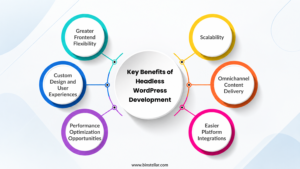
Greater Frontend Flexibility
It gives developers more frontend freedom. With it, they can control the architecture, component structure, routing, rendering strategy, and interaction model. This matters for complex products. Such flexibility is particularly useful for products that need interfaces beyond conventional content-focused pages.
Custom Design and User Experiences
Customization becomes easier with headless. This is because the frontend can be designed around specific user journeys. They never rely on a pre-built theme.
Performance Optimization Opportunities
Headless architecture can support different rendering strategies. This includes static rendering and server-side rendering. Developers can also optimize JavaScript delivery, caching, image loading, and API requests independently.
Scalability
Scaling becomes more flexible here. By separating the content and presentation layer, headless allows different systems to scale independently. The frontend can also handle growth. For example, teams can optimize frontend infrastructure for high traffic on their own.
Omnichannel Content Delivery
Content centralization is their biggest advantage. It can provide structured content to different applications through APIs, allowing multiple channels to access the same content source. This simplifies content management. Teams do not need to maintain completely separate content repositories for every digital channel.
Easier Platform Integrations
APIs connect WordPress externally. They provide a structured way to connect WordPress content with external services. The possibilities are broad. These integrations can include e-commerce systems, customer platforms, and other business systems.
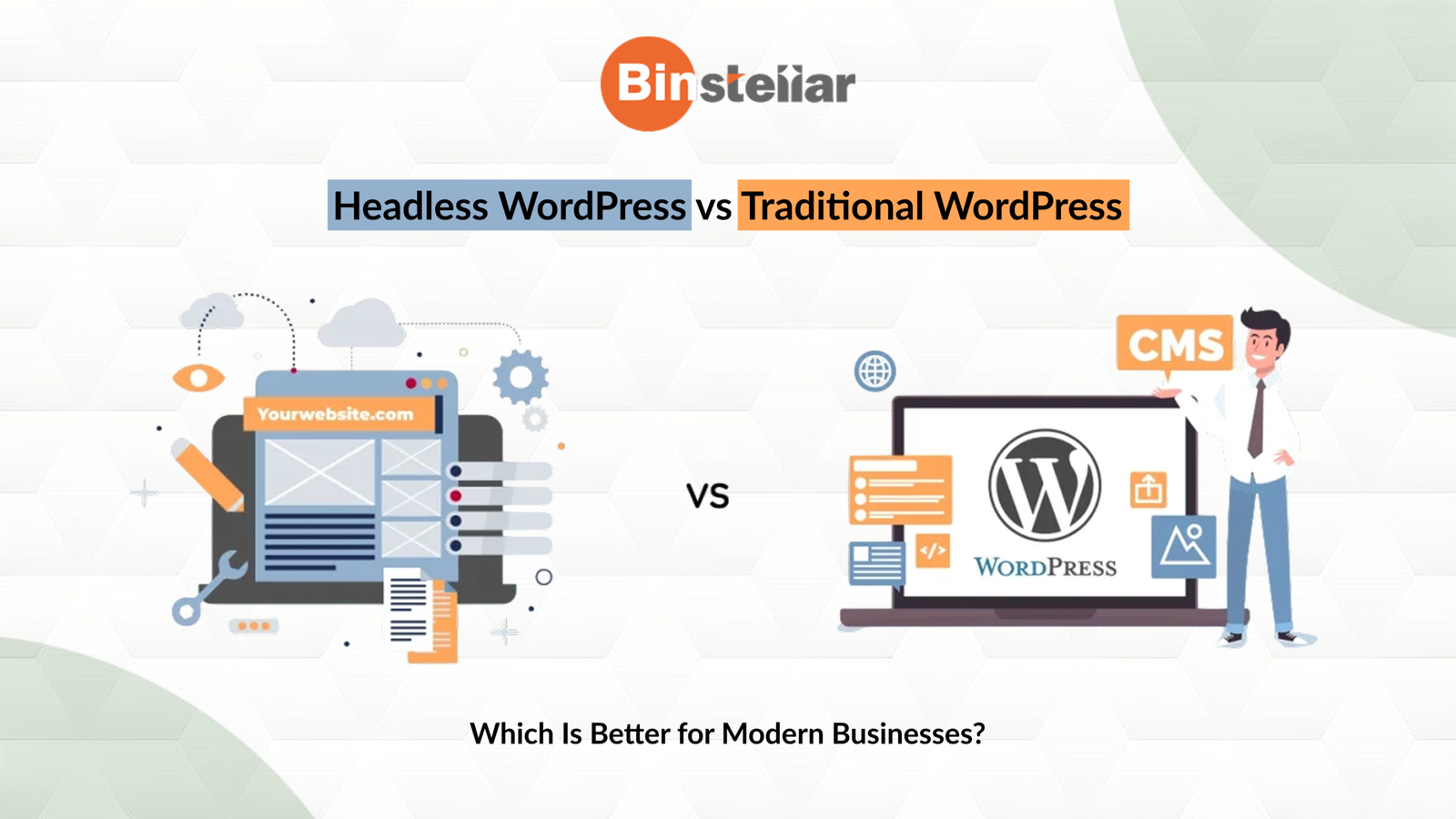
Headless WordPress vs Traditional WordPress
Headless CMS WordPress framework is very different from the off-the-shelf setup. Let’s compare their key factors:
| Factor | Traditional WordPress | Headless WordPress |
|---|---|---|
| Architecture | CMS and frontend work together. | Separate frontend and backend that’s connected through APIs. |
| Customization | Built around themes and plugins. | Developers can build the frontend independently based on their unique project needs. |
| Performance | Depends on hosting, themes, plugins, and optimisation. | Gives greater control over rendering and content delivery. |
| SEO | Simple setup for managing URLs and other SEO elements. | SEO needs planned rendering and metadata. |
| Maintenance | Easier to manage in one system. | Backend and frontend need separate maintenance. |
| Cost | Lower development cost. | Initial costs can be higher that reduces over time. |
| Best Suited For | Business websites, blogs, and projects with conventional requirements. | Complex websites, multi-channel platforms, and projects requiring extensive frontend control. |
Headless WordPress Development Cost
There is no fixed price. This is because the Headless WordPress development cost varies based on the architecture, frontend, and integrations.
Here’s an indicative range:
- Small-to-mid-sized businesses – From $5,000 to $15,000.
- Enterprises – Budget may move beyond $30,000.
Thinking–what are the factors that influence the final cost? Take a quick glance:
Frontend and backend development
A custom frontend requires separate planning, component development, routing, rendering, testing, and deployment.
API development
Existing WordPress APIs may be sufficient. But it suits projects with basic requirements. But if you need a personalized work, look for custom endpoints, authentication, data transformation, or GraphQL implementation. All this can increase development effort.
Third-party integrations
From CRMs to analytics platforms, all can increase development effort. Testing also takes longer. Each external system needs proper API handling, compatibility checks, and testing.
Migration
Moving existing content needs careful planning. Even URLs, metadata, and structured data may need to be migrated properly.
Ongoing maintenance
Teams need to manage updates, APIs, and hosting infrastructure. They should also handle security enhancements.
Traditional WordPress websites are quite easy to develop at low cost. But Headless demands more work and budget. Because here, instead of one integrated presentation stack, teams manage two application layers that must communicate reliably.
Read Also: Custom vs Template WordPress Websites: Which One Should You Choose?
Common Mistakes in Headless WordPress Development
In this section, let’s look at the major mistakes. Understanding these challenges early can help teams plan the architecture more effectively.
Choosing Headless Without a Business Requirement
Pick headless when your project really needs it. Using it simply because it is considered modern can introduce unnecessary complexity.
Overcomplicating the Architecture
The framework that you choose should match the actual application requirements. This is because if you add multiple services, databases, and infrastructure layers, it can make a project hard to handle.
Poor API Planning
From unstructured APIs to inefficient queries, all can affect your app’s performance and stability. This is why API contracts should be planned earlier. Do this before frontend development to avoid complete dependency.
Ignoring SEO and Content Rendering
A JavaScript-heavy frontend needs an intentional rendering strategy. Search engines must be able to access them. Also, check that they do not rely on fragile client-side behaviour.
Poor Performance Optimisation
If you choose headless, then keep an eye on performance issues. This is because sometimes you might add large JavaScript bundles, unnecessary API requests, and unoptimized images. All this can slow down your app’s experience.
Underestimating Maintenance
In headless, both the frontend and backend evolve separately. That’s why you need to assess all the dependency updates, security patches, and compatibility testing. You must consider this as your ongoing responsibilities.
Read Also: Why WordPress Is the Right CMS for Your Website
Conclusion
Headless WordPress offers greater control. It provides more flexibility across frontend design, performance, integrations, and content delivery. But there is more to manage. It also brings additional development and maintenance requirements. The right choice depends on the project. Headless can suit complex and multi-channel projects, while traditional WordPress may fit simpler needs.
Looking to build a flexible WordPress solution? Then, partner with a company providing custom WordPress development services in India. At Binstellar, we first align the development approach with your technical and project needs. Then, our team helps you build headless WordPress solutions with a custom frontend, secure architecture, and scalable content delivery. Contact us today! Let’s build a high-performing WordPress site tailored to your long-term needs.
Written by
Kishan P