
How to do Hubspot LinkedIn Integration Seamlessly?
Integrating LinkedIn with HubSpot CRM is a strategic move that enhances your marketing and sales efforts by leveraging one of the most powerful professional networks. With the help of a Hubspot consultant, LinkedIn and HubSpot integration streamlines various processes such as lead generation, contact management, and sales prospecting. With direct access to LinkedIn insights from within HubSpot, your team can tailor their communications based on the latest information, ensuring that every interaction counts. The professional web development company not only saves valuable time but also enhances the effectiveness of your marketing and sales strategies.
Steps to Integrate LinkedIn with HubSpot CRM
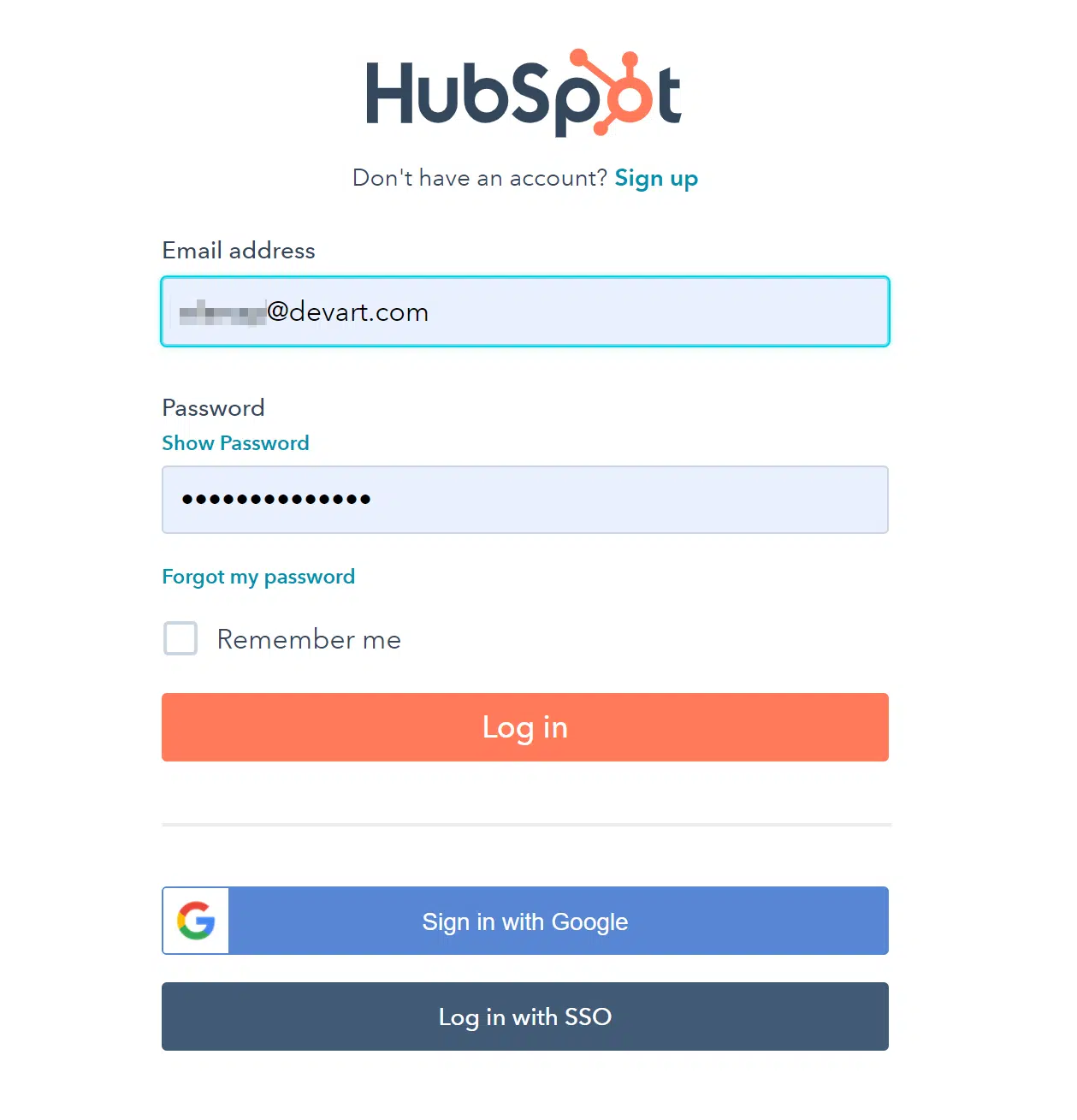
Access Your HubSpot Account: Log into your HubSpot CRM with an account that has administrator privileges. This is necessary for setting up new integrations.
Navigate to the Marketplace: From your HubSpot dashboard, go to the main menu and select ‘Marketplace’, then click on ‘App Marketplace’.
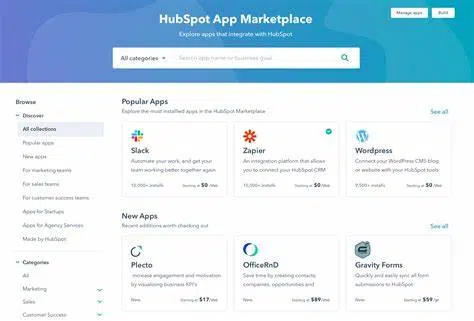
Find the LinkedIn Integration: Use the search function in the Marketplace to look for LinkedIn. You will find options for LinkedIn integration, including LinkedIn Sales Navigator if you have access to this service.
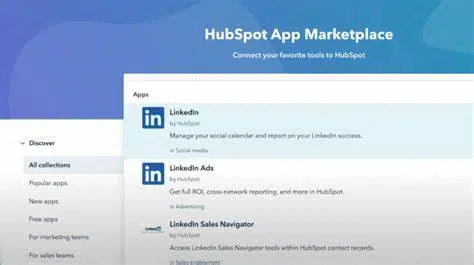
Choose the Appropriate Integration: Select either the general LinkedIn integration for syncing contacts and tracking interactions, or the LinkedIn Sales Navigator integration for more advanced features like InMail, real-time sales insights, and lead recommendations directly in HubSpot.
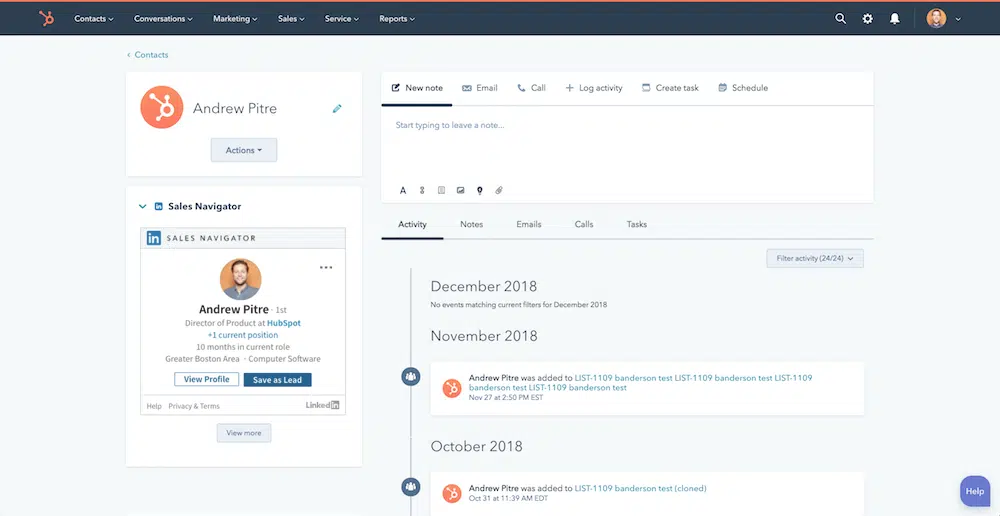
Install the Integration: Click on the chosen LinkedIn integration. Press the ‘Install app’ button, and you will be redirected to LinkedIn to authorize the connection between LinkedIn and your HubSpot CRM.
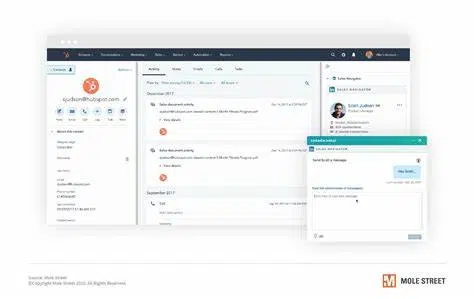
Authorize and Set Permissions: Log into your LinkedIn account if prompted, and authorize the integration. You may need to set specific permissions regarding what data can be accessed by HubSpot.
Configure Your Settings: Once authorized, return to HubSpot to configure the integration settings. This might involve mapping LinkedIn fields to HubSpot properties, setting up synchronization preferences, or configuring how Sales Navigator features appear within HubSpot.
Test the Integration: To ensure everything is working as expected, try importing a LinkedIn contact into HubSpot, or use the Sales Navigator tool to look up information on a contact within HubSpot.
Educate Your Team: Make sure your team knows how to utilize the new integration. Provide training or resources on how to access LinkedIn insights within HubSpot and how to best use these for sales or marketing strategies.
Conclusion
The integration of LinkedIn with HubSpot CRM is a powerful enhancement to any marketing and sales strategy, particularly for those operating in B2B spaces. With access to richer data and the ability to perform targeted, informed outreach, your team can significantly improve their engagement rates and conversion effectiveness. If you’re ready to take your customer relationship management to the next level with LinkedIn and HubSpot, you can hire website developers for professional assistance.

Akshima Jain
Content Production Manager