

Hubspot Squarespace Integration: A Full Guide
Integrating Squarespace with HubSpot CRM unifies your digital marketing tools, allowing you to capture leads, manage customer interactions, and automate marketing processes with ease. This integration is particularly beneficial for small businesses looking to leverage powerful CRM capabilities without the complexity of managing multiple disparate systems. Squarespace’s intuitive website builder coupled with HubSpot’s robust CRM functionalities can transform how you engage with your audience, track customer behaviors, and ultimately drive conversions. Working with a professional Hubspot consultant could save you hours for this integration.
Step-by-Step Process for Integration
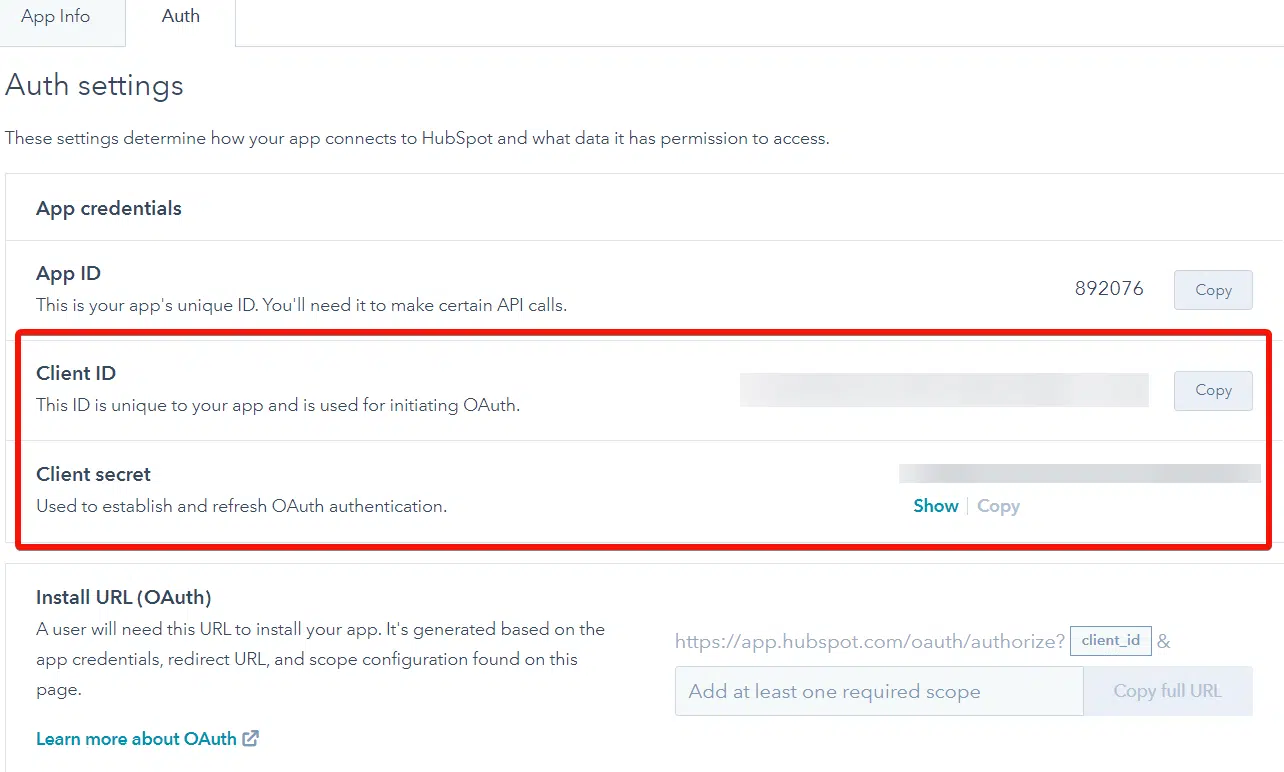
Step 1: Obtain HubSpot API Key

- First, log into your HubSpot account.
- Navigate to ‘Settings’, select ‘Integrations’, and then click on ‘API key’.
- If you don’t already have an API key, create a new one by clicking the ‘Create key’ button.
Step 2: Insert API Key into Squarespace
- Log into your Squarespace account.
- Go to ‘Settings’, then ‘Advanced’, and select ‘Code Injection’.
- Paste your HubSpot API key into the header code injection area to ensure it loads on every page of your site.
Step 3: Set Up HubSpot Tracking Code
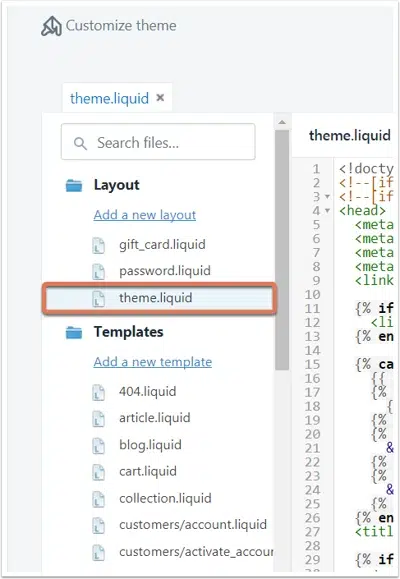
- In HubSpot, go to your account settings and locate the ‘Tracking Code’ section under ‘Tracking & Analytics’.
- Copy the HubSpot tracking code provided.
Step 4: Embed Tracking Code in Squarespace
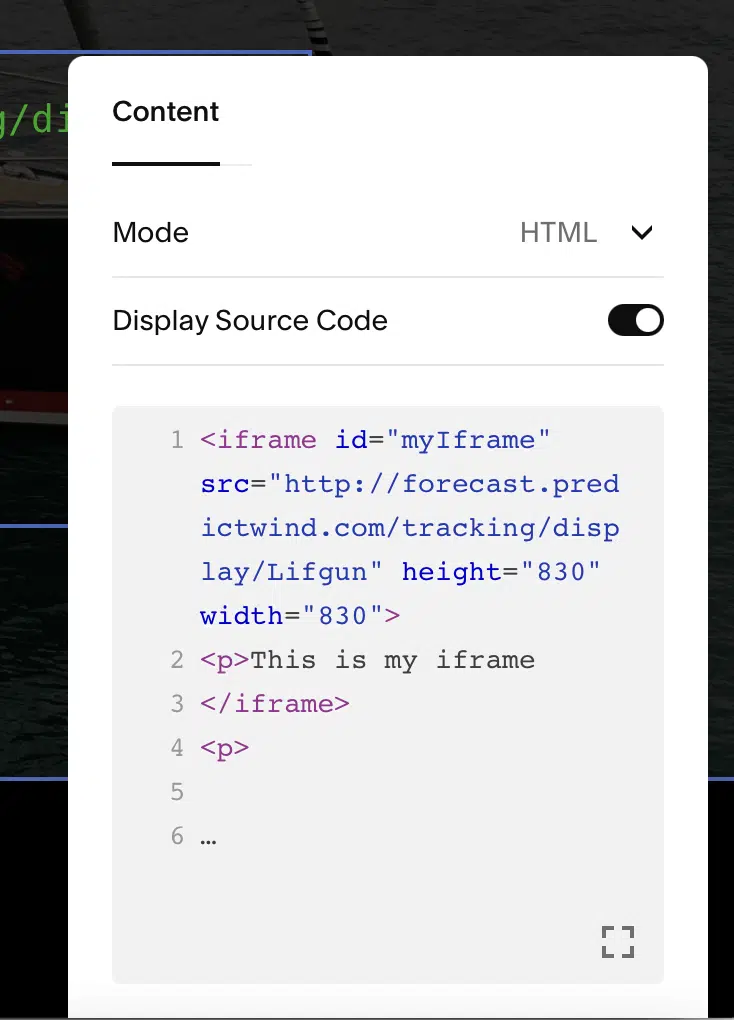
- Back in Squarespace, under ‘Settings’, go to ‘Advanced’ and then ‘Code Injection’.
- Paste the tracking code into the ‘Header’ section to enable site tracking across your Squarespace website.
Step 5: Test the Integration
- After setting up, test the integration by visiting your site and performing actions like filling out a form.
- Check in HubSpot to see if the data from your site is being captured correctly.
Conclusion
By integrating Squarespace with HubSpot CRM, you can significantly enhance your digital marketing efforts, driving more targeted campaigns and improving customer engagement. This integration helps in capturing valuable insights about your visitors, automating workflows, and providing a seamless experience for both the business and the customer. With everything set up, you can now enjoy the combined power of both platforms working together to streamline your processes and grow your business.
For more detailed guidance or assistance with setting up the integration, consulting with web development company can be very beneficial. You can also hire website developers for this quick integration.

Akshima Jain
Content Production Manager